Ever finish a movie night and feel like your eyes are… tired? A simple TV backlight can make your screen feel less harsh in a dark room by softening the contrast between the bright display and the surrounding wall.
This guide focuses on bias lighting for comfort (especially “true white” options) while still covering RGB kits if you want ambience, too—plus what actually matters for an easy, clean install.
What “bias lighting” is (and why it can feel easier on your eyes)
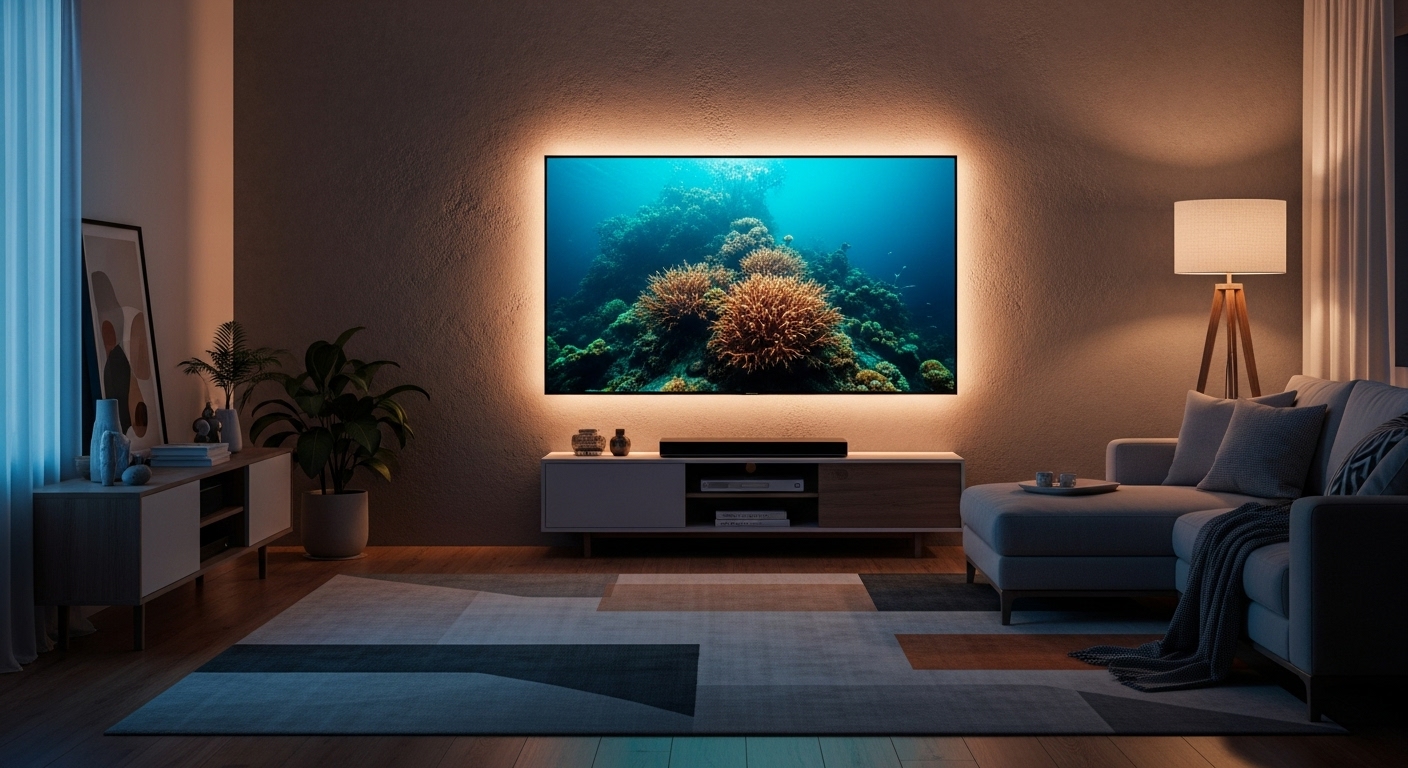
Bias lighting is a soft light behind your TV/monitor, aimed at the wall—not your face. In a dim room, it can reduce the perceived contrast between a bright screen and a dark background, which many people find more comfortable for longer viewing.
The comfort “sweet spot”
- Neutral white (around 6500K) is the classic bias lighting choice for natural-looking results.
- Dimmable is key—too bright defeats the purpose.
- Even glow matters more than fancy effects.
What to look for in a good backlight kit
- Correct length for your screen size (too short = uneven glow, too long = messy overlaps)
- Dimming control (remote or inline controller)
- Strong adhesive (clean wall-facing side of TV first!)
- USB powered vs. wall adapter (USB is tidy, wall adapter can be steadier)
- Color type:
- True white = best for comfort
- RGB = best for vibes/gaming, not always true bias lighting
Top Picks
1) Luminoodle Color Bias Lighting (USB Strip + Dimmer + Remote)
What it’s like to use
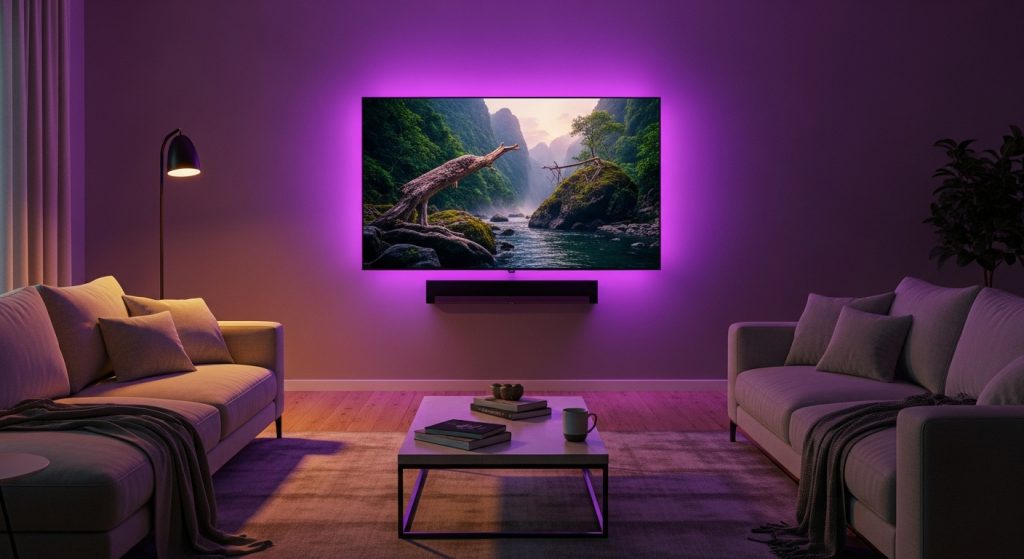
This is a flexible “do-it-all” style kit that works for TVs and larger monitors. It’s the kind of setup you turn on and forget—especially if your goal is a simple glow behind the screen.
Highlights
- USB-powered convenience
- Remote + dimming for quick adjustments
- Designed for a wide range of screen sizes (depending on strip length)
Pros
- Easy comfort upgrade for dark-room viewing
- Dimming makes it adaptable (movie night vs. daytime)
- Straightforward install for most people
Cons
- If you’re aiming for perfect bias lighting accuracy, you’ll want the light set to a neutral white and kept subtle
- Adhesive performance depends heavily on cleaning the TV back first
- Some setups can show bright “hot spots” at corners if the strip bends sharply
Best for: People who want simple, reliable backlight comfort without overthinking it.
2) Luminoodle Bias Lighting for Monitors (True White, USB Strip)
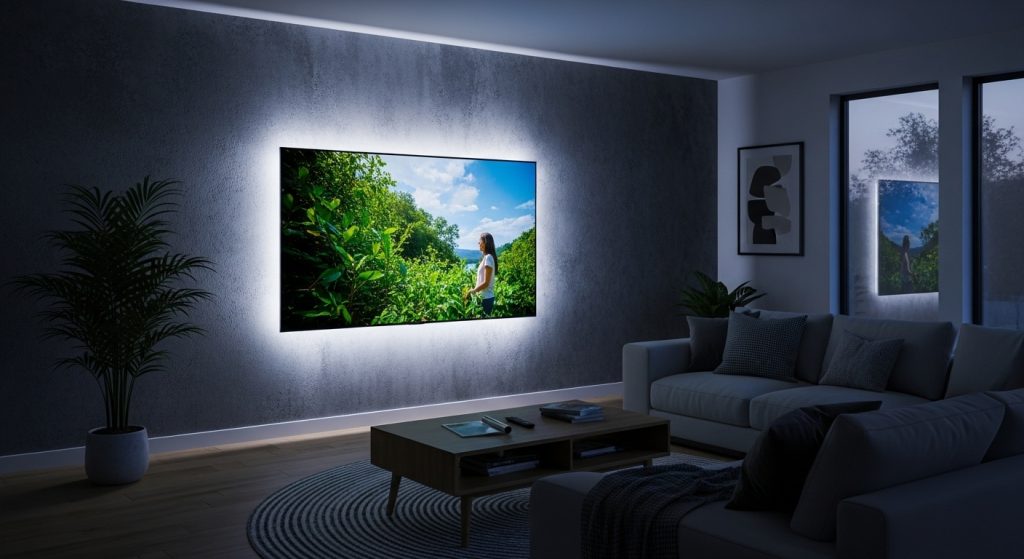
What it’s like to use
If your main issue is eye comfort while working or gaming at a desk, true white bias lighting behind a monitor is often the cleanest solution. This option keeps it focused: less “RGB show,” more “my eyes feel better at night.”
Highlights
- True white-style backlight approach (great for comfort use cases)
- Designed with monitor sizing in mind
- USB-powered tidy setup
Pros
- Best match for “bias lighting for comfort” goals
- Looks clean and professional behind a monitor
- Easy to integrate into a desk setup
Cons
- Less fun if you want colorful ambience
- Brightness needs dialing in (too bright can be distracting)
- On textured walls, the glow can look slightly uneven (that’s normal)
Best for: Desk setups where you want comfort-first lighting (especially for evening use).
3) maylit RGB TV Backlight (Bluetooth App + Remote + Music Sync)
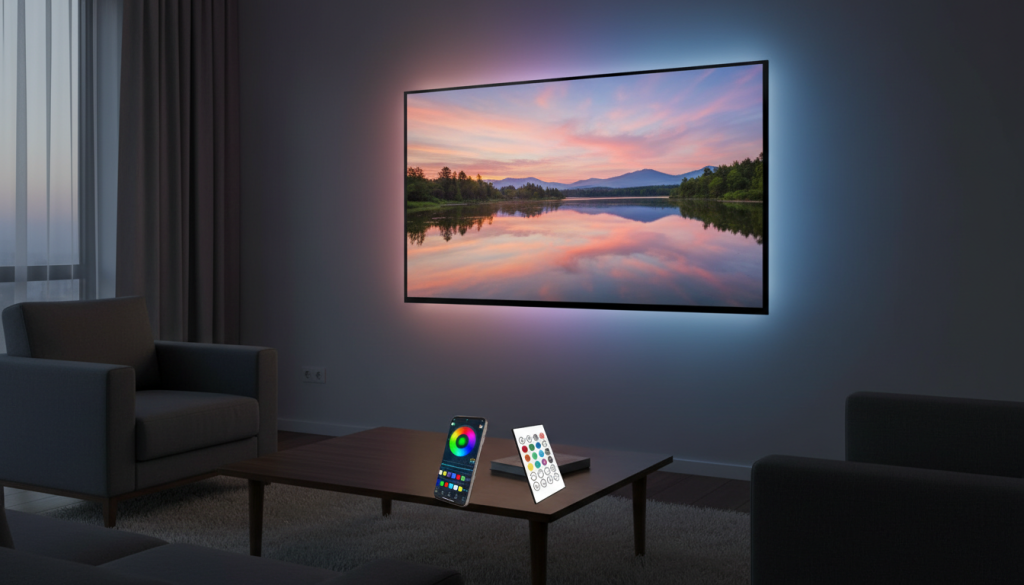
What it’s like to use
This is more of a mood/ambience kit than a pure bias-lighting solution. Great for gaming rooms or colorful setups. The app control is handy if you like switching scenes often.
Highlights
- App + remote control
- RGB color modes and effects
- Music sync options for “reactive” lighting
Pros
- Fun, immersive vibe—especially for gaming and party lighting
- App control is convenient once it’s set up
- Works well if you like color scenes behind the TV
Cons
- RGB isn’t always ideal if your priority is eye comfort (color shifts can be distracting)
- Some “white” modes on RGB strips can look a bit cool/blue or not truly neutral
- Effects can pull attention away from the screen if set too bright
Best for: People who want ambience and features, not strictly “true bias lighting.”
4) KANTUTOE RGB TV Backlight (Long Strip for Bigger TVs + App/Remote + Music Sync)
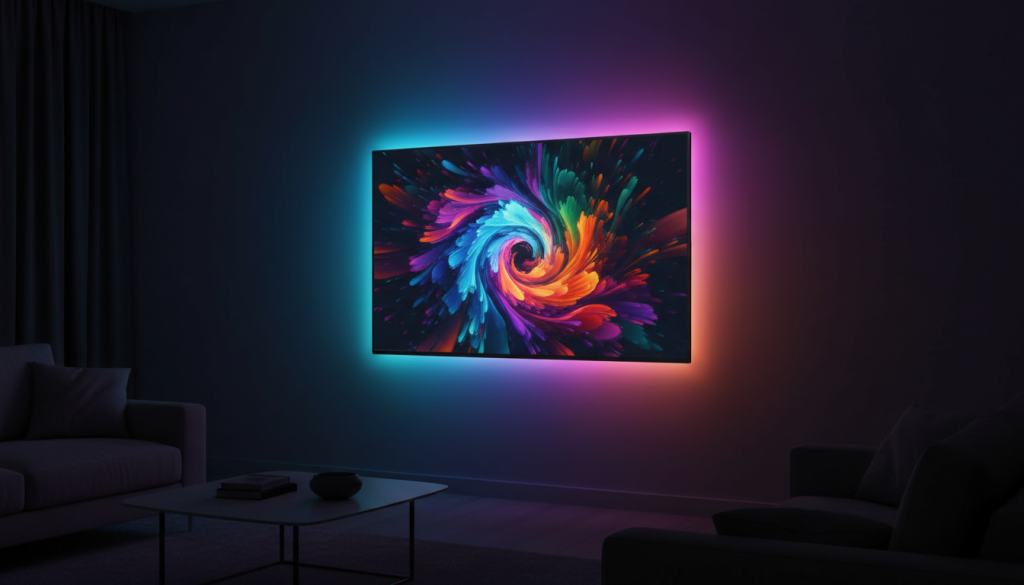
What it’s like to use
This is the “big TV” RGB kit style—more length, more coverage, bigger glow. If you’ve got a large screen and want a colorful halo around it, longer strips make it easier to get an even look.
Highlights
- Longer strip suited to larger TVs
- App + remote control
- Music sync and RGB effects
Pros
- Better coverage for larger screens (less patchy glow)
- Great for a home theater vibe if you like color
- More flexible placement due to length
Cons
- Longer strips require more careful routing (corners, clean lines, avoiding overlaps)
- Too much brightness behind a TV can feel harsh—dimming matters
- RGB “white” may not look as natural as true-white bias lighting
Best for: Large TV owners who want big, colorful backlighting for atmosphere.
Which one is the best for eye comfort?
If your goal is comfort first, the most reliable approach is true white bias lighting behind the screen, kept at a gentle brightness.
Best overall for eye comfort (optimal choice)
#2 Luminoodle Bias Lighting for Monitors (True White)
It aligns best with classic bias lighting principles: neutral-looking backlight, less distraction, and a cleaner “I can watch/work longer” effect.
Best all-around for TVs (comfort + flexibility)
#1 Luminoodle Color Bias Lighting
If you want a straightforward TV setup with dimming and easy control, it’s a solid comfort upgrade—just keep the brightness modest and stick to a neutral tone.
Best for ambience (not strictly comfort-first)
#3 or #4 RGB kits
Pick RGB if you want vibe, gaming effects, or music sync. For comfort, use a steady, gentle light and avoid intense color cycling during movies.
Easy install guide (clean look, less frustration)
- Wipe the TV back with isopropyl alcohol (or a proper cleaner) and let it dry fully.
- Plan your path: keep the strip 1–2 inches from the edge for a smoother glow.
- Stick in short sections (don’t peel the whole backing at once).
- Avoid sharp kinks at corners—gentle bends look better and last longer.
- Plug into USB (TV USB is tidy; a wall USB adapter can be steadier if your TV cuts power when off).
- Dim it down: the best bias lighting is subtle, not spotlight-bright.
Quick Do/Don’t list
DO
- Use neutral white for comfort-focused setups
- Keep brightness low in a dark room
- Clean surfaces before sticking
- Route corners gently
DON’T
- Don’t run strobing/color-cycling effects during movies if comfort is the goal
- Don’t overlap strips (creates bright patches)
- Don’t place the strip right on the edge (often looks harsher)